1
2
3
4
5
6
7
8
9
10
11
12
13
14
15
16
17
18
19
20
21
22
23
24
25
26
27
28
29
30
31
32
33
34
35
36
37
38
39
40
41
42
43
44
45
46
47
48
49
50
51
52
53
54
55
56
57
58
59
60
61
62
63
64
65
66
| #include <iostream>
#include <opencv2/opencv.hpp>
#include <cmath>
using namespace std;
using namespace cv;
int main() {
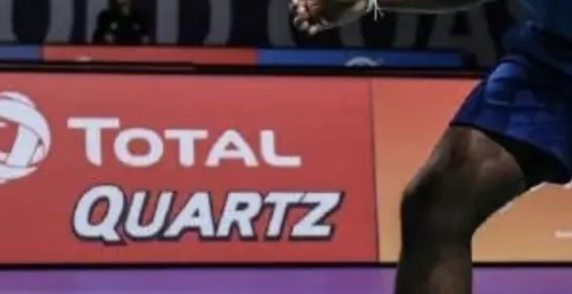
Mat srcImage = imread("/Users/zhaijy/Desktop/test2.png");
Mat dstImage;
cvtColor(srcImage, dstImage, COLOR_BGR2YUV_YV12);
int height = srcImage.rows, width = srcImage.cols;
Mat dstImageY = Mat(height, width, CV_8UC1);
memcpy(dstImageY.data, dstImage.data, height * width);
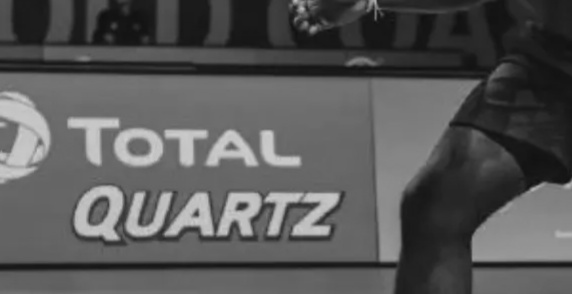
imwrite("/Users/zhaijy/Desktop/Y.jpg", dstImageY);
Mat dstImageV = Mat(height / 2, width / 2, CV_8UC1);
memcpy(dstImageV.data, dstImage.data + height * width, height * width / 4);
imwrite("/Users/zhaijy/Desktop/V.jpg", dstImageV);
Mat dstImageU = Mat(height / 2, width / 2, CV_8UC1);
memcpy(dstImageU.data, dstImage.data + height * width * 5 / 4, height * width / 4);
imwrite("/Users/zhaijy/Desktop/U.jpg", dstImageU);
int rot_height = static_cast<int>(floor(sqrt(height * height + width * width) / 4)) * 4;
Point2f center(static_cast<float>(width / 2.), static_cast<float>(height / 2.));
Mat rot_mat = getRotationMatrix2D(center, 45, 1.0);
Mat rotImageY = Mat(rot_height, rot_height, CV_8UC1);
warpAffine(dstImageY, rotImageY, rot_mat, Size(rot_height, rot_height), INTER_LINEAR);
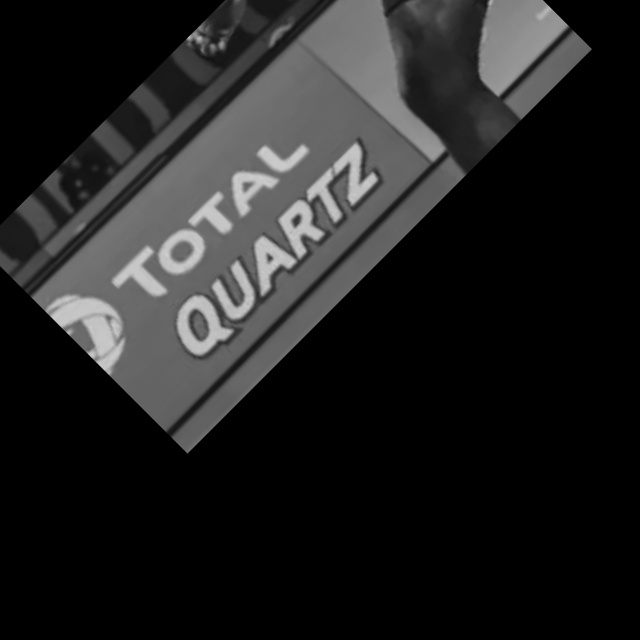
imwrite("/Users/zhaijy/Desktop/rotY.jpg", rotImageY);
int rot_height_uv = rot_height / 2;
Point2f center_uv(static_cast<float>(width / 4.), static_cast<float>(height / 4.));
Mat rot_mat_uv = getRotationMatrix2D(center_uv, 45, 1.0);
Mat rotImageU = Mat(rot_height / 2, rot_height / 2, CV_8UC1);
warpAffine(dstImageU, rotImageU, rot_mat_uv, Size(rot_height_uv, rot_height_uv), INTER_LINEAR);
imwrite("/Users/zhaijy/Desktop/rotU.jpg", rotImageU);
Mat rotImageV = Mat(rot_height / 2, rot_height / 2, CV_8UC1);
warpAffine(dstImageV, rotImageV, rot_mat_uv, Size(rot_height_uv, rot_height_uv), INTER_LINEAR);
imwrite("/Users/zhaijy/Desktop/rotV.jpg", rotImageV);
Mat rotImageYVU = Mat(rot_height * 3 / 2, rot_height, CV_8UC1);
memcpy(rotImageYVU.data, rotImageY.data, rot_height * rot_height);
memcpy(rotImageYVU.data + rot_height * rot_height, rotImageV.data, rot_height * rot_height / 4);
memcpy(rotImageYVU.data + rot_height * rot_height * 5 / 4, rotImageU.data, rot_height * rot_height / 4);
Mat rotImageBGR;
cvtColor(rotImageYVU, rotImageBGR, COLOR_YUV2BGR_YV12);
imwrite("/Users/zhaijy/Desktop/rotImageBGR.jpg", rotImageBGR);
return 0;
}
|