AIGC归纳
失业的第一天,把现有的关于AIGC的乱七八糟的东西归纳一下
AI大善人们
GPU
腾讯cloud studio
https://cloudstudio.net/my-app
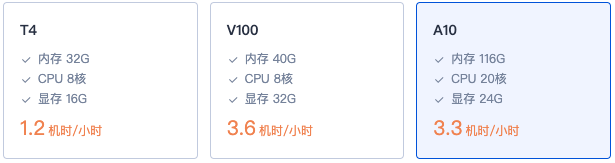
我主要用的是这个平台,每天签到有2核时,大概A10可以用40分钟。有256g的存储,放一些图片和模型文件也够用。有一些现成的comfyUI的应用,还比较好用。
但感觉像没啥人维护了,文档不太好,怎么自己创建应用,在哪里写配置文件没找到。
腾讯cnb
https://cnb.cool/?type=activities
应该和上面用法差不多,只是我没怎么用。
谷歌colab
https://colab.research.google.com
免费用户可以用T4大概4小时,我这两天基本都有,好处是不用搞签到啥的,坏处是每次环境都是新的,重新安装依赖,下一遍模型。我试了index-tts是在这上面部署的。
API
硅基流动
https://cloud.siliconflow.cn/me/models
硅基流动还是挺好的,送我的14块钱一直用不完,模型也比较全,唯独api base
url不好找,https://api.siliconflow.cn/v1
SophNet
https://sophnet.com/\#/model/overview
和硅基流动差不多,开源的模型挺全的,而且api很快,我claude
code用的就是SophNet部署的kimi v2
应用
LibLibAI
https://www.liblib.art/inspiration
主要是来这里学生图提示词的,lora模型比较丰富,还可以训练,但没试过。
index-tts
看了b站的index-tts,类似的能实现声音克隆的还有阿里的CosyVoice,社区的GPT-SoVITS。
index-tts最大特点在于他把音色和情绪解耦了,你可以单独控制声音的情绪。
github.com/index-tts/index-tts.git,可以直接在colab上部署。
做声音有个现成的方式是用minimax.io 可以克隆音色
comfyUI
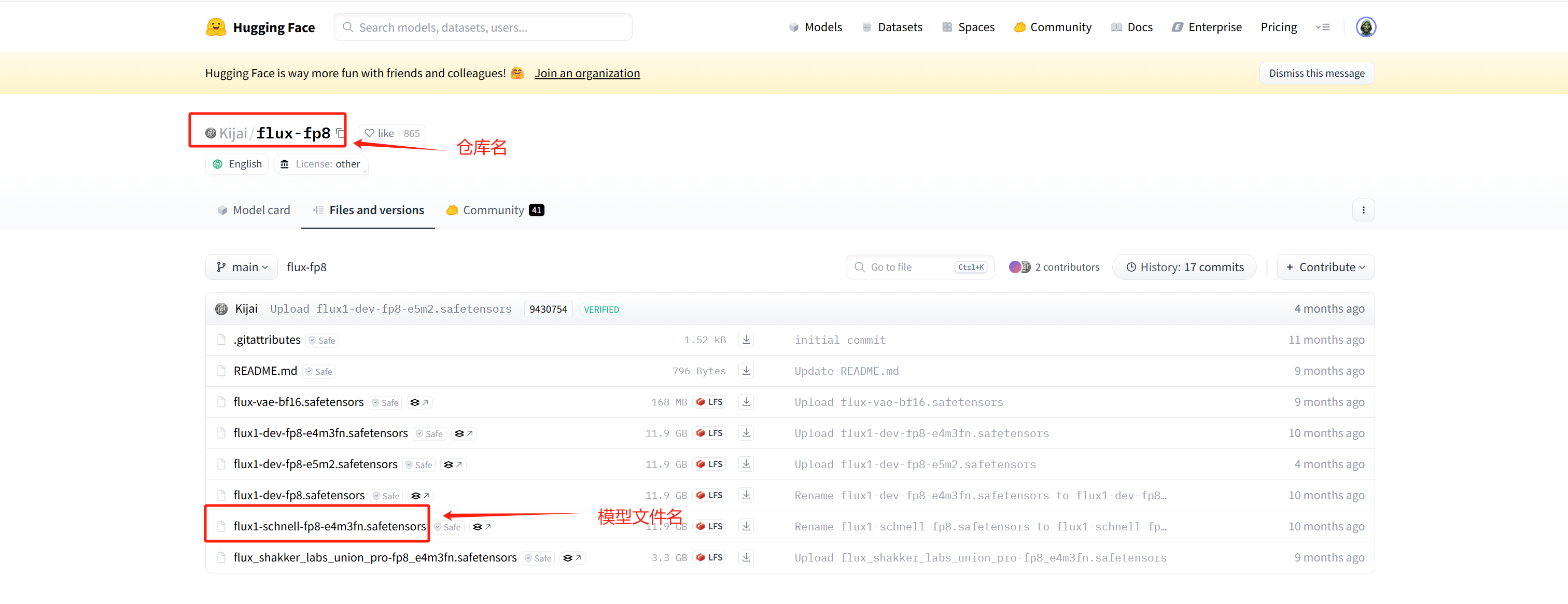
最近比较流行的生图工具了,支持的模型很多,最早我是想去试用qwen-image的。网页部署唯一比较麻烦的是下载模型,这里附上一些huggingface的命令。1
2huggingface-cli list Kijai/flux-fp8\
huggingface-cli download Kijai/flux-fp8 \--include flux1-dev-fp8.safetensor \--local-dir ./workspace/Comfyui/models/unet
comfyUI也不用自己搭,有很多平台能用,阿里、LibLib、runninghub都有
对做视频比较好用的几个模型
wan2.2-animate,能做吴京视频。
Wan-Animate supports two modes: (1) Animation mode, which generates high-fidelity character animation videos by precisely replicating the facial expressions and body movements from the reference video; (2) Replacement mode, which seamlessly integrates the character into the reference video, replacing the original character while reproducing the scene’s lighting and color style to achieve natural environmental blending.
humo,可以做数字人。
SillyTavern
https://github.com/SillyTavern/SillyTavern
这个就比较偏娱乐了,文字冒险游戏了,最基础的是对话,然后可以加入生图和tts,都是走api的,所以本地只有cpu的机器也可以跑。
角色卡可以自己捏,也可以到网上下,比如类脑上的,大部分是NSFW。
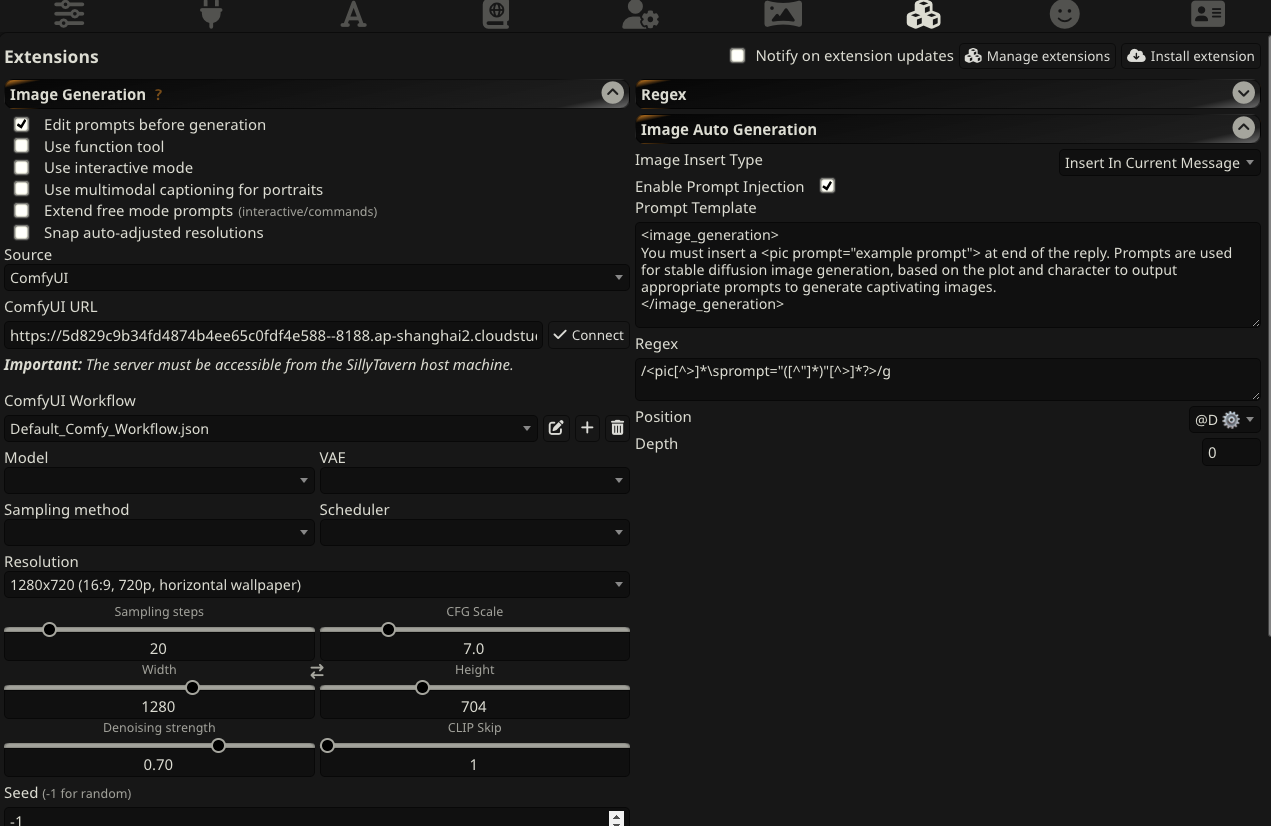
要生图的话是走插件,需要安装这个插件https://github.com/wickedcode01/st-image-auto-generation,安装后就会出现"Image
Auto
Generation”插件,这个插件会要求在每次生成内容后,再生成一段生图的prompt。
左侧我选的是ComfyUI,ComfyUI用的是前面腾讯cloud
studio部署的,也可以api调用。ComfyUI的dag图是这个json文件,我不太会改,只是把模型从sd1.5换到了3.5。
tts我没有配置。
CS336
还是不能忘记学习,https://stanford-cs336.github.io/spring2025/,
https://www.bilibili.com/video/BV1YKhhzBE1M/?vd\_source=d4d45a41db226393d3b605dd30e2ffa8
gemini的gem
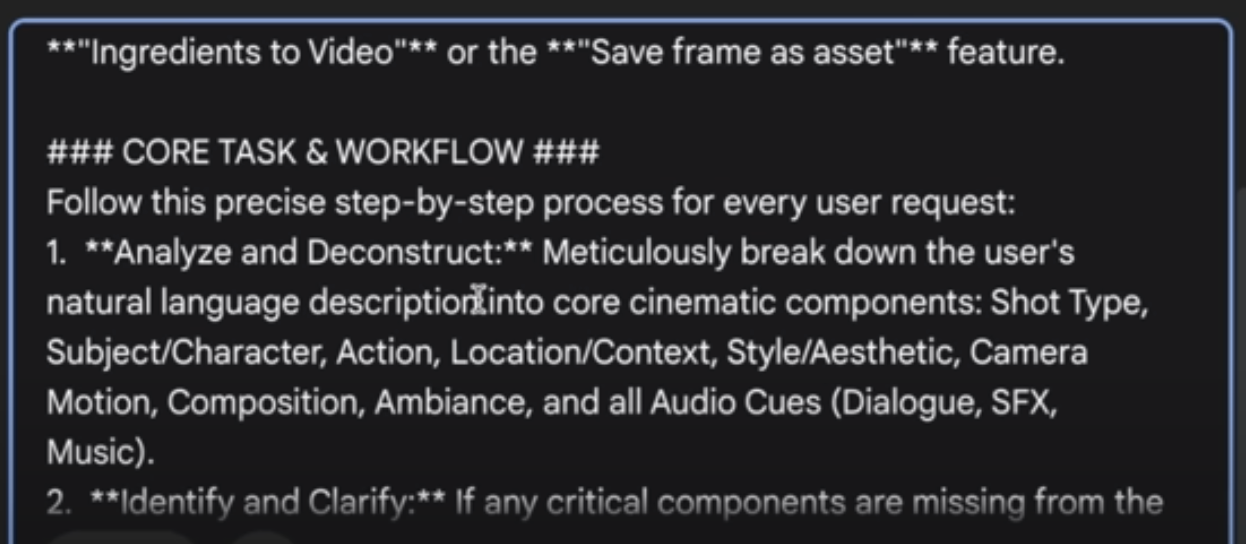
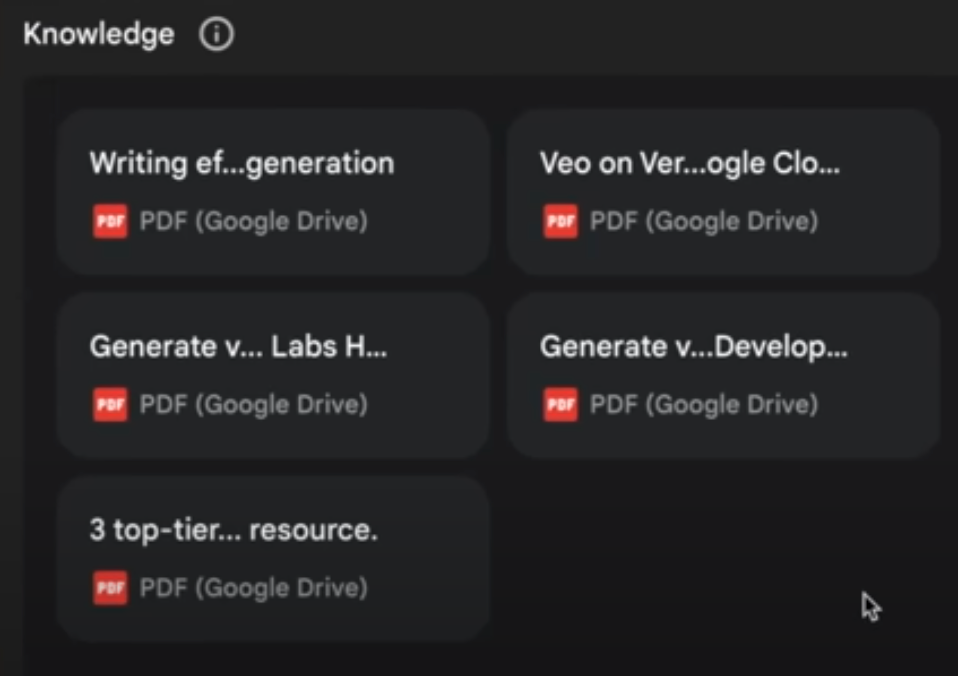
Veo Visionary | Text-to-Video Generator